Vizualisation
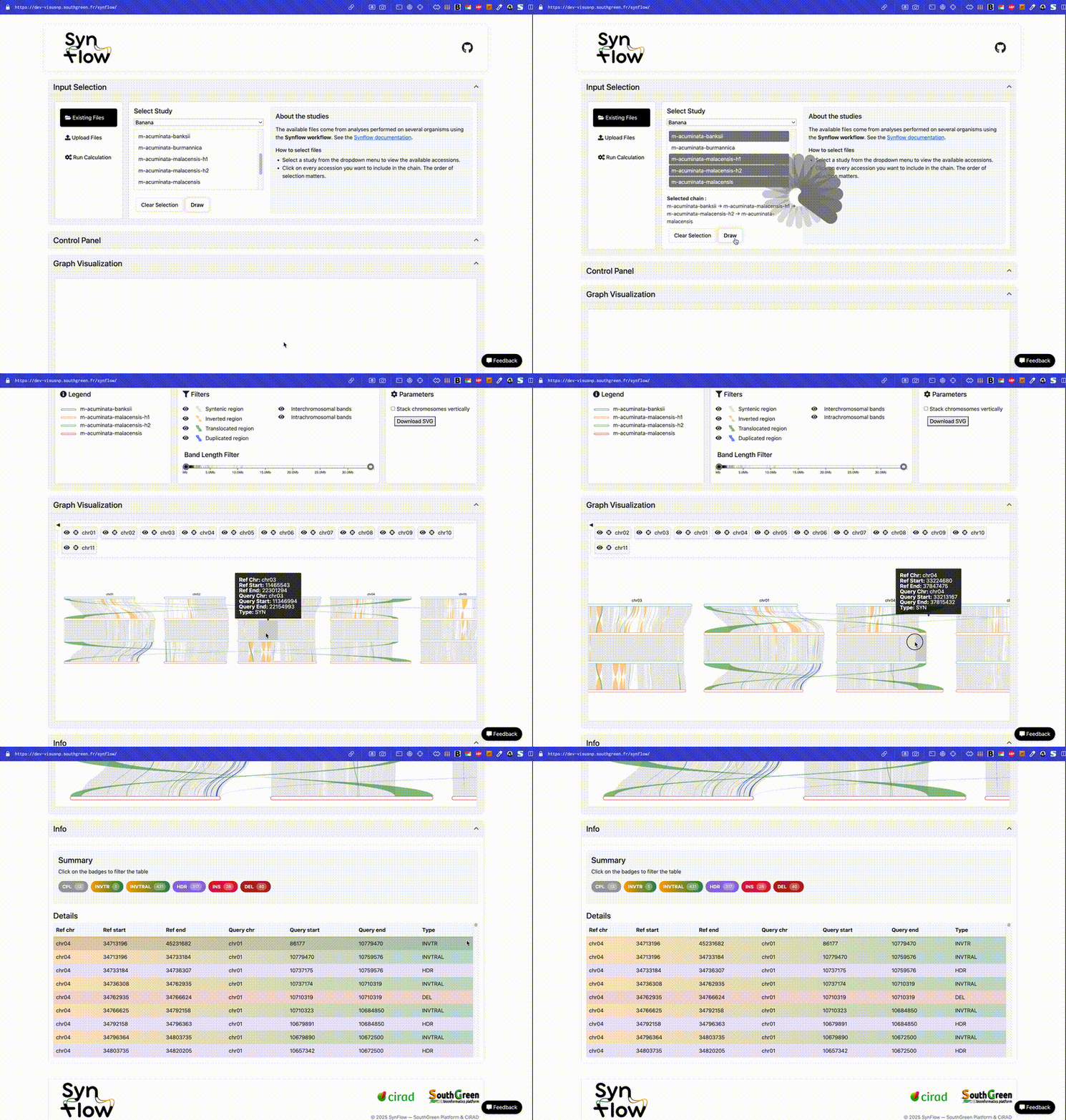
The visualization interface provides an interactive and intuitive exploration of genomic structural variations. Key features include:
- Interactive zoom and pan functionality: Use your mouse to zoom in and out, and pan across the visualization to explore regions of interest at different scales.
- Chromosome control: Reorder chromosomes, toggle visibility of individual chromosomes (Show/Hide), and customize the display layout to focus on specific genomic regions (see Control panel for more information).
- Dynamic filtering: Apply filters to structural variation bands based on type and size (see Control panel for more information).
- Click for details: Click directly on a band to view comprehensive information about that structural variation, including genomic coordinates, type, size, and other relevant details (see Block Details for more information).
The structural variations described in the Martin et al. (2025) study can be visualized and explored using synflow, as seen in the gif above.
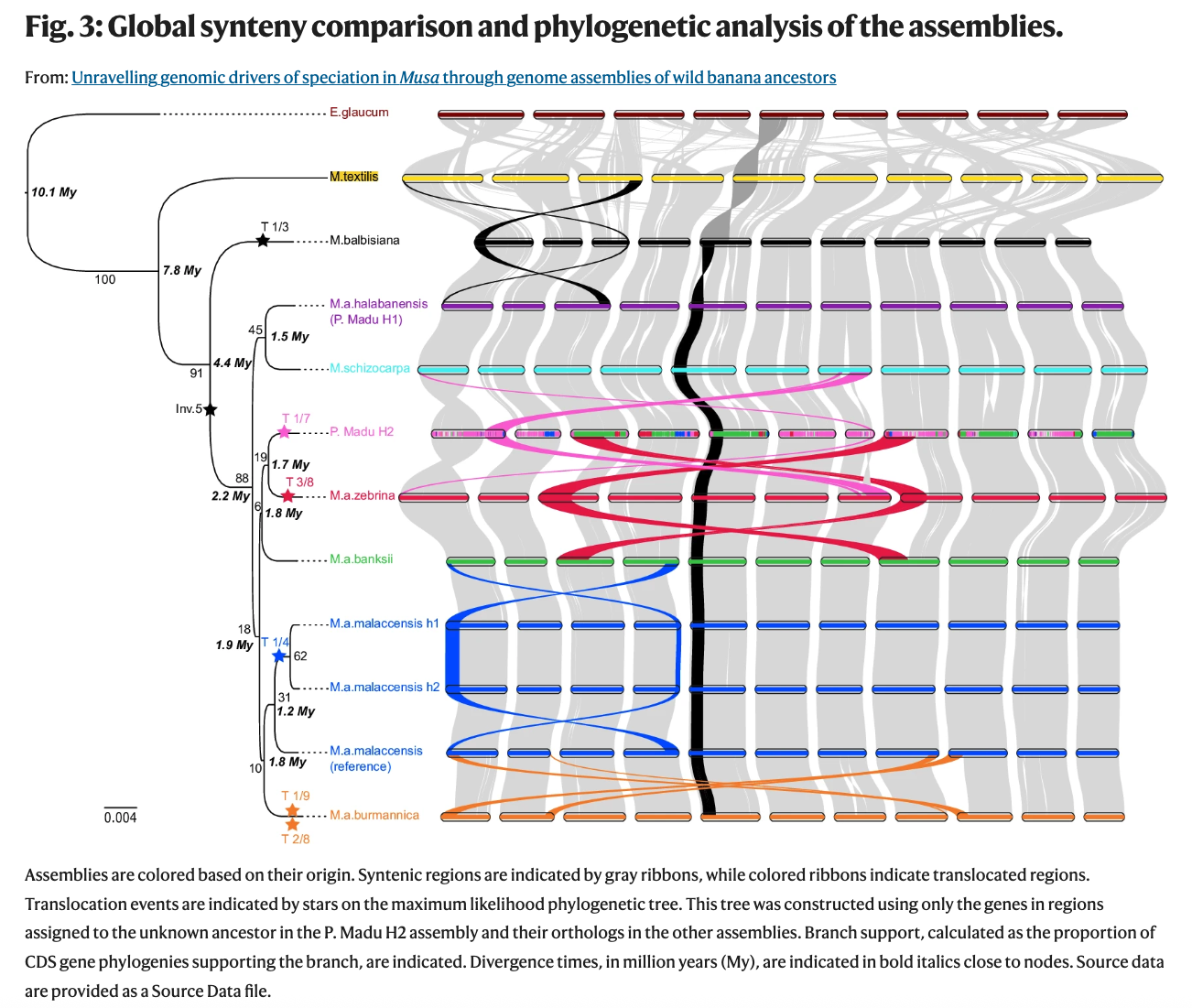
Martin, G., Istace, B., Baurens, F.C. et al. (2025). Unravelling genomic drivers of speciation in Musa through genome assemblies of wild banana ancestors. Nature Communications, 16, 961. https://doi.org/10.1038/s41467-025-56329-4